

Forum Replies Created
-
AuthorPosts
-
Drakah
KeymasterI get requests for older interfaces for Emulated servers every once in a while, but they typically don’t work since it needs to refer to the UI elements via their DB as well as the game version I believe. If you give me the exact date of when SOE/DBG last patched Default, I can see what I had when it was on live.
-
This reply was modified 4 years, 9 months ago by
Drakah.
KeymasterYou are most welcome 🙂 You can call me Drakah though. “Sha`Kahr” is actually my surname in game heh.
KeymasterI just posted an update to the Krome UI today as the buttons in the Raid Window was not working… they do now.
KeymasterI posted this on the EQ forums at
https://forums.daybreakgames.com/eq/index.php?threads/request-ui-decimal-percents-on-off.276219/So you can upvote/like it if you wish 🙂
-
This reply was modified 5 years, 3 months ago by
KeymasterThat is awesome! Glad to help! 🙂
KeymasterAh ok that would make more sense. I did a right-click on the hotbar and chose to hide the page number spinner. I use SHIFT-1 thru + to page threw the main hotbar so I never needed it to show.
KeymasterHey there Cellular,
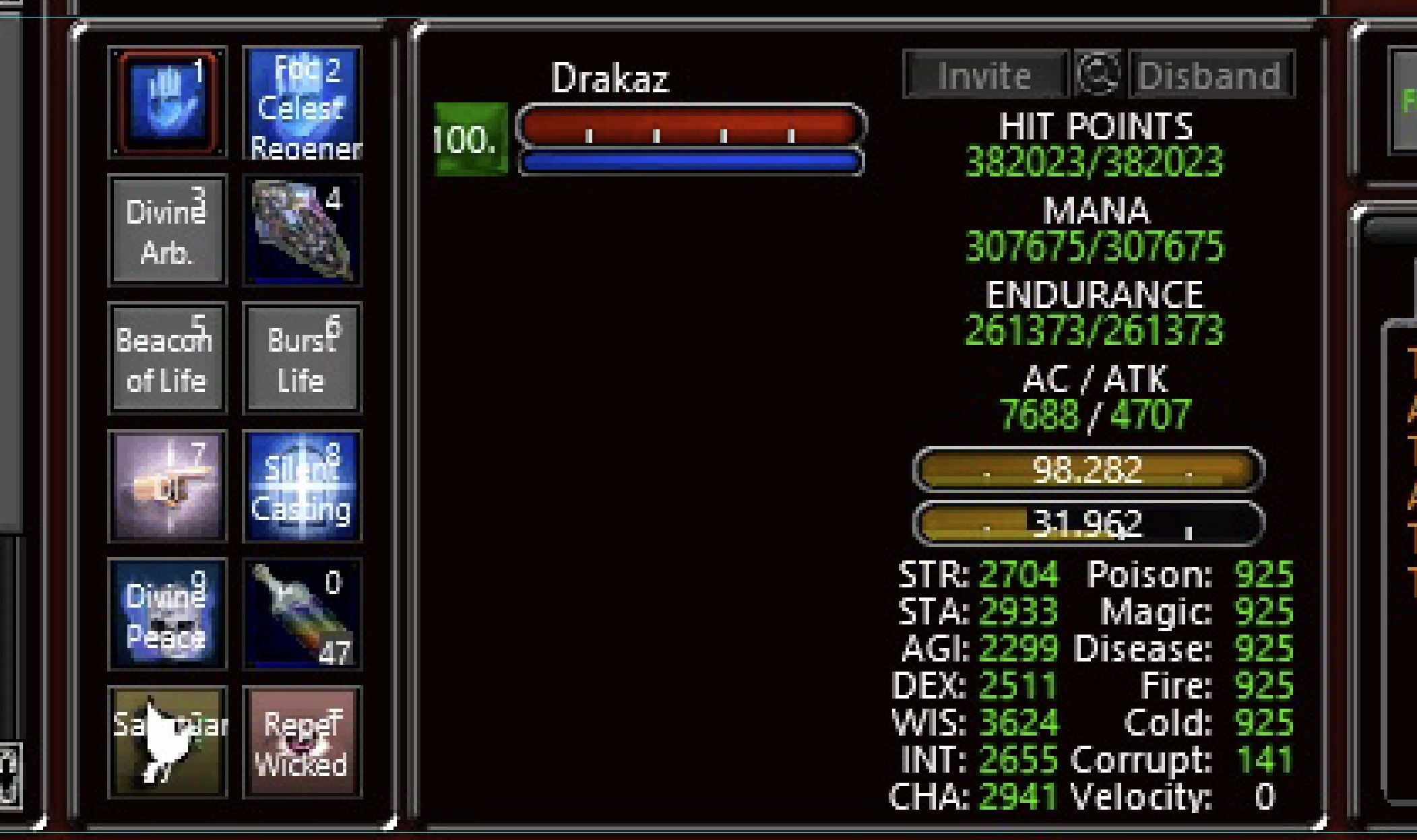
1) The HP Gauge number format was changed by Daybreak on June 19, 2019, so it now is a decimal number instead of just a whole number, this is super aggravating to me and nothing I can do to change that unless they make a new EQType to have the number without the decimal, or, give us the option to turn it on/off. I would strongly suggest to bring that up on the EQ forums for sure. I could love for them to fix that back to what it was.
2) You can try disabling the text labels by either commenting out each label, or deleting them. See if that solves that issue for you. Look under
{TileLayoutBox item=”BW_Buttons”}
and remove/comment out references, such as {Pieces}BW_Buff0_Label{/Pieces} thru {Pieces}BW_Buff41_Label{/Pieces}As for the size alignment, I do not see any deviation for anything of a wrong length in the elements. Here is a closeup of mine. See attached.
Hope this helps!!
Attachments:
KeymasterGlad you found out the problem, what was it?
KeymasterThank you so much bud, I appreciate it 🙂 🙂
KeymasterOK, all interfaces have been uploaded 🙂 The edits were not very time consuming thankfully.
KeymasterDefinitely 🙂
I am going to try and post them sometime tomorrow night after I get home from work.
I have the Krome UI done, I might be posting that tonight.KeymasterYou are welcome! Enjoy! 🙂
KeymasterAssuming you are using Adeptus, if you want to change the Tracking Window, just copy the EQUI_TrackingWnd.xml file from the Default folder, and paste it into the custom folder.
Open and go all the way to the bottom.
Find:
<DrawTemplate>WDT_defaultChat_Def</DrawTemplate>and Replace with either:
<DrawTemplate>Chat_Window</DrawTemplate>Or:
<DrawTemplate>WDT_RoundedNoTitle</DrawTemplate>..whichever looks better.
As for the UIErrors, as long as they say “Warning”, you are ok, as it pulls the missing files that were not modified from the Default folder.
As for the Donations, yes, I do have one 🙂 It is on the Sidebar on the Rightside or on the Main homepage on the very bottom.
KeymasterPerfect. I did a compare to my Default archive and found a match for Default patch day 05-14-2013.
I am sending you 1 ZIP file that contains 5 more ZIPs inside:
(be sure when you extract the files that you don’t have a “folder inside another folder” issue.)– default-051413.zip – Rename your current uifiles\Default folder to Default ROF2 as your backup. Use my version instead by renaming it from Default 051413 to Default. This will have the original “modified” dates correct, so enable the view of “view details” in file explorer, enable the “Date modified” column, and ensure you see different dates. Load up EverQuest and if you don’t have any errors, then go ahead and test out the UI files.
– drakah_intg_tking.zip – the Integrated TKing Celtic UI Version 7.5 – April 18, 2013
– drakah_intg_tking_end.zip – patch files for endurance version
– drakah_pers_adeptus.zip – the Personalized Adeptus UI Version 6.9 – April 18, 2013
– drakah_pers_adeptus_clickypetwindow.zip – patch file for pet windowHere is the ZIP file to download from Dropbox.
(Removed link – see downloads section)Let me know how it goes.
-
This reply was modified 1 year, 5 months ago by
KeymasterOk I got it. Looking at the files, the “Date Modified” are all set to 2/10/2018, so that must of been the date it was downloaded originally. They should be all different dates to when the Live server had updated it. Is there a “eqnews.txt” file in your root folder that would tell me the last day the EverQuest was last updated to the live server? If so, can you attach that?
-
This reply was modified 4 years, 9 months ago by
-
AuthorPosts
Recent Comments